Alarms, navigation & screen layout pack

The structure of a screen: alarm priority shapes and banners, signal quality, modes, interlocks and communication status, plus frames, headers, navigation bars and buttons, tiles, cards, pop-ups, legends and connectors.

339 symbols · Realistic 24 · ISA-101 315

  • 339 symbols as editable SVG and PNG
  • 43 with state change: one file per state
  • One ZIP with everything, or one by one
  • They use no downloads and open in the Symbol Builder

Every symbol in the pack 339

Previews carry a watermark; the files you download do not.

Alarms & status indicators 152Open the category →

Alarm priority symbols & bells 20ISA-101 20

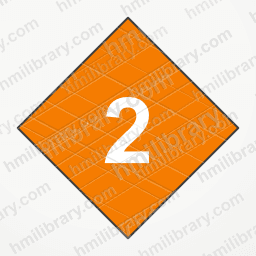
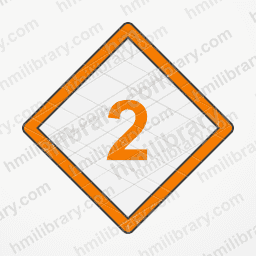
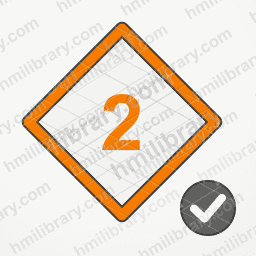
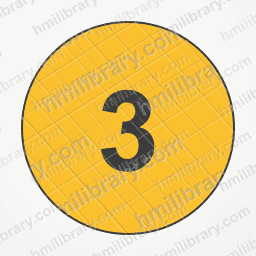
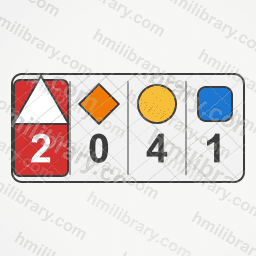
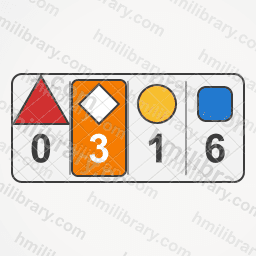
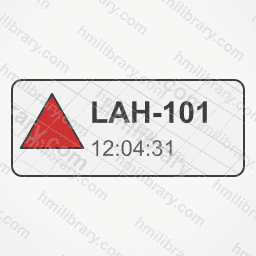
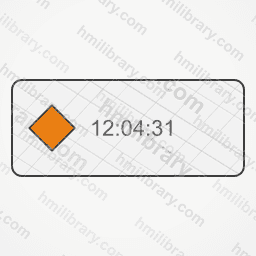
Alarm bell P1 critical Alarm bell P3 medium Alarm bell P4 low / advisory Alarm bell P2 high Alarm bell with horn silenced (alarm still active) Alarm P1 critical (round numbered badge) Alarm P4 low / advisory (round numbered badge) Alarm P2 high (round numbered badge) Alarm P1 critical (triangle, unacknowledged) Alarm P1 critical (triangle, acknowledged) Alarm P1 critical (triangle, returned to normal, unacknowledged) Alarm P2 high (diamond, unacknowledged) Alarm P2 high (diamond, acknowledged) Alarm P2 high (diamond, returned to normal, unacknowledged) Alarm P3 medium (circle, unacknowledged) Alarm P3 medium (circle, acknowledged) Alarm P3 medium (circle, returned to normal, unacknowledged) Alarm P4 low / advisory (square, unacknowledged) Alarm P4 low / advisory (square, acknowledged) Alarm P4 low / advisory (square, returned to normal, unacknowledged)

Alarm states 8ISA-101 8

Alarm shelved (temporarily blocked) Alarm in service (enabled) Alarm out of service (maintenance) Active unacknowledged alarm (ringing bell) Alarm in normal state (no alarm) Active acknowledged alarm Alarm returned to normal, awaiting acknowledgement Alarm suppressed by design

Alarm banners & counters 15ISA-101 15
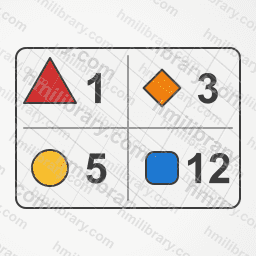
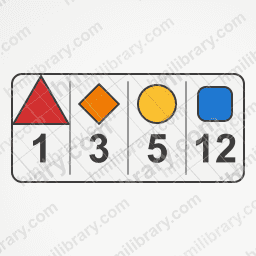
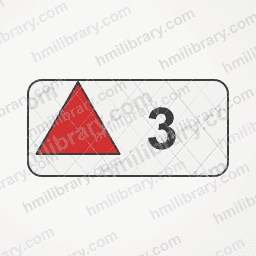
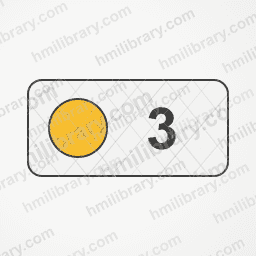
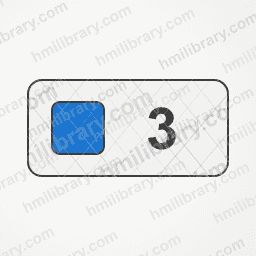
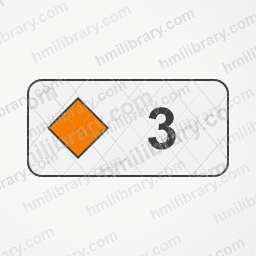
Unacknowledged alarm counter (bell) Alarm summary banner with active P1 highlighted Alarm summary banner with active P2 highlighted Alarm summary 2x2 grid Alarm summary banner by priority (P1-P4) Alarm summary column Shelved and suppressed alarm counters Alarm summary banner, no active alarms Total active alarm counter (bell) Last alarm line P1 Last alarm line P2 Alarm counter P1 (triangle) Alarm counter P3 (circle) Alarm counter P4 (square) Alarm counter P2 (diamond)

Signal quality 16ISA-101 16
Signal quality: stale (not refreshed) Signal quality: good Signal quality: forced / overridden Signal quality: out of range (high) Signal quality: out of range (low) Signal quality: uncertain Signal quality: bad Signal quality: simulated Signal quality: no communication Process value: stale (not refreshed) Process value: good quality Process value: forced Process value: uncertain quality Process value: bad quality Process value: simulated Process value: no communication

Operating modes 13ISA-101 13

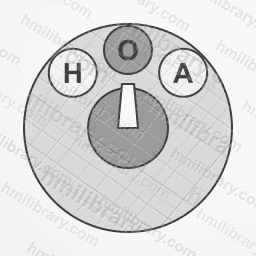
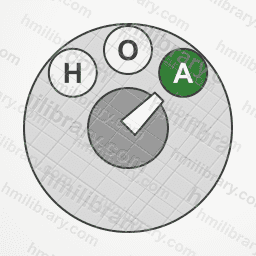
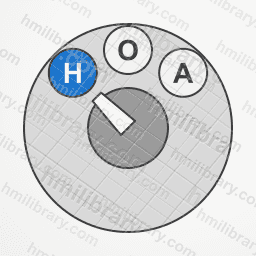
Automatic mode Cascade mode Remote setpoint mode Local (at the field) mode Maintenance mode Manual mode Ratio mode Remote (control room) mode Hand-Off-Auto selector in Off Hand-Off-Auto selector in Auto Hand-Off-Auto selector in Hand Local-Remote selector in Local Local-Remote selector in Remote

Interlocks, permissives & locks 16ISA-101 16

Start inhibited Lockout/tagout (LOTO) Bypass active (equipment or signal bypassed) Timed bypass active Padlock closed (locked) Padlock open (unlocked, enabled) Padlock closed by trip (safety lock) Safety function bypassed Safety function tripped Safety function healthy Interlock active (blocking the action) Interlock tripped (broken chain) Interlock healthy (conditions met) Permissive not met (start not allowed) Permissives met (ready to start) Reset required (manual re-arm)

Communication status 10ISA-101 10
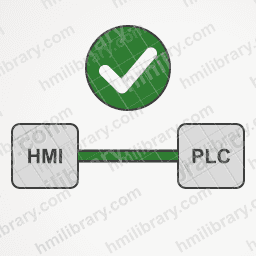
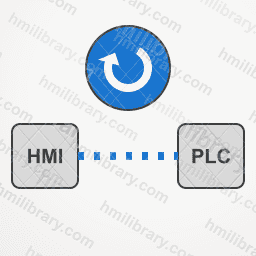
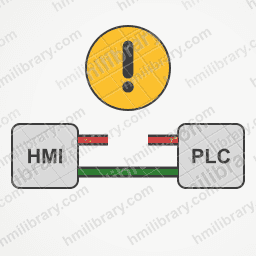
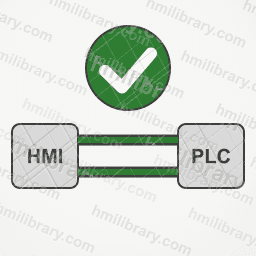
Degraded communication (packet loss) Communication error (broken link) Heartbeat (watchdog) OK Heartbeat (watchdog) lost Communication OK (flat HMI symbol) Reconnecting Redundant network: link A down Redundant network: both links OK Link disabled or not configured Communication timeout

Notifications 9ISA-101 9
Warning message System error message Information message New unread message Success message Operator message Message requiring operator response Event log System event

Batch & recipe states 12ISA-101 12

Batch aborted Batch aborting (transition) Batch complete Batch idle Batch running / start Batch stopped Batch stopping (transition) Advance to next sequence step Batch paused Batch restarting Recipe loaded Recipe modified, unsaved

Flow direction 21ISA-101 21
Bidirectional flow arrow horizontal Bidirectional flow arrow vertical Elbow flow arrow: right then down Elbow flow arrow: left then down Elbow flow arrow: right then up Elbow flow arrow: left then up Flow arrow right Flow arrow down Flow arrow left Flow arrow up Flow stopped (no flow) Flow arrow diagonal down-right Flow arrow diagonal down-left Flow arrow diagonal up-left Flow arrow diagonal up-right Forward direction (FWD) Reverse direction (REV) Clockwise rotation Counter-clockwise rotation Recirculation (return loop) Unwanted reverse flow (backflow)

Display hierarchy levels 12ISA-101 12
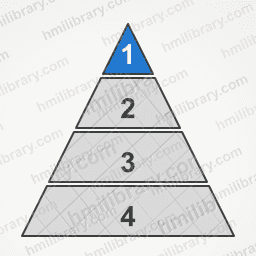
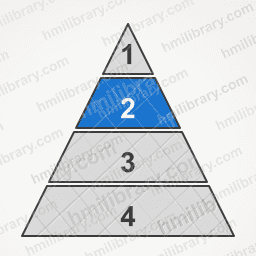
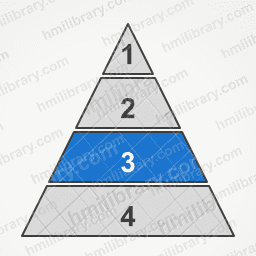
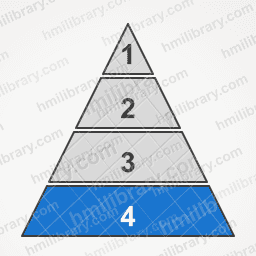
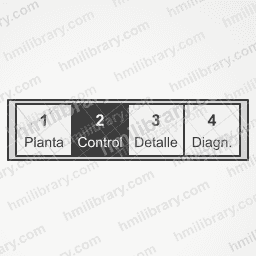
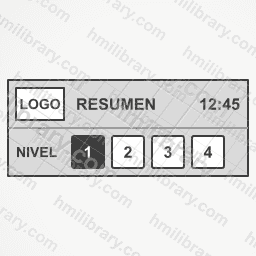
Display level 1 indicator (overview), grid Display level 2 indicator (control), grid Display level 3 indicator (detail), grid Display level 4 indicator (support / diagnostics), grid Display level 1 indicator (overview), bars Display level 2 indicator (control), bars Display level 3 indicator (detail), bars Display level 4 indicator (support / diagnostics), bars Display level 1 indicator (overview), pyramid Display level 2 indicator (control), pyramid Display level 3 indicator (detail), pyramid Display level 4 indicator (support / diagnostics), pyramid

Screen layout & navigation 124Open the category →

Frames, dividers & zone labels 18ISA-101 18

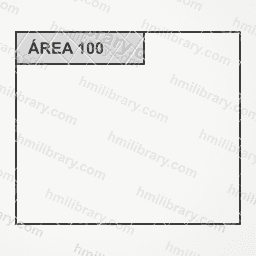
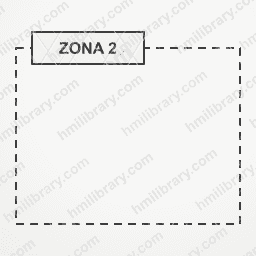
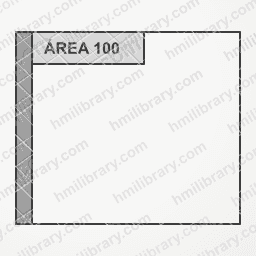
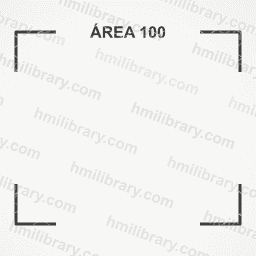
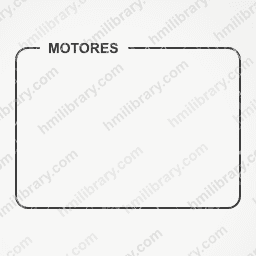
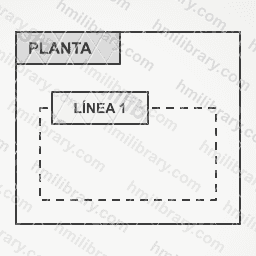
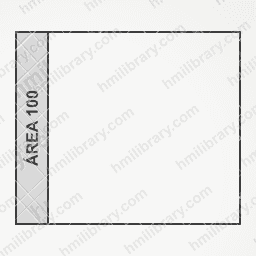
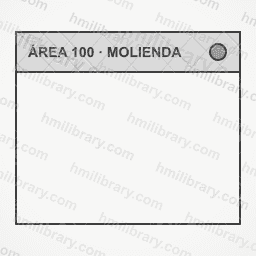
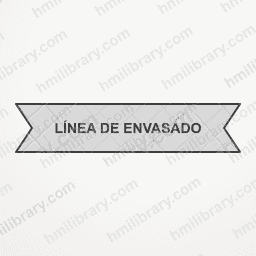
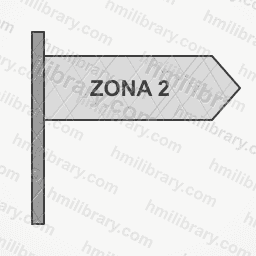
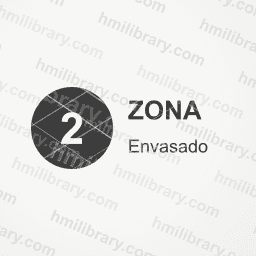
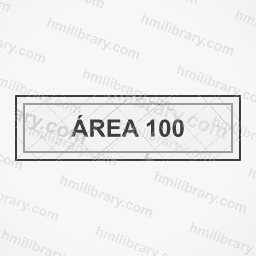
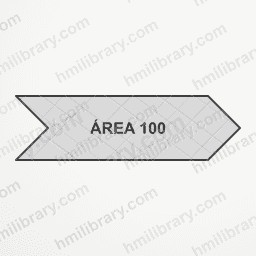
Dashed divider Horizontal divider Vertical divider Section band with title Divider with centred title Area frame with title tab Dashed zone frame with label Area frame with status strip Corner-bracket frame with centred title Group frame with label in border Plant frame with nested line frame Area frame with vertical side title Area frame with full title bar Ribbon zone label Pennant zone label Zone label with number Zone name plate Underlined zone label

Headers, footers & navigation 24ISA-101 24
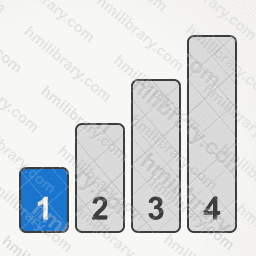
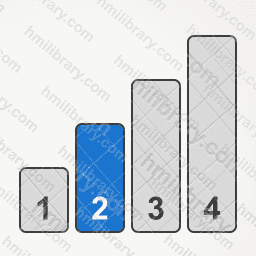
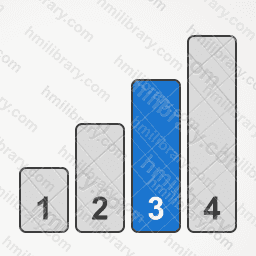
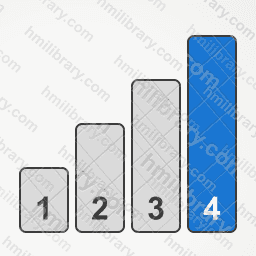
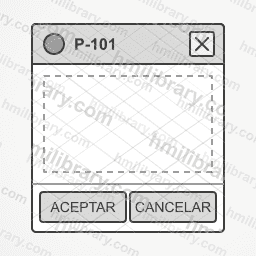
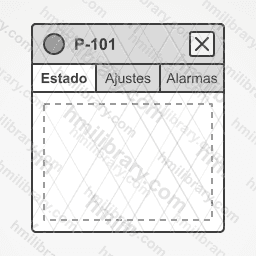
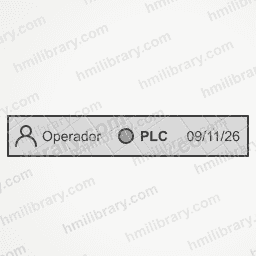
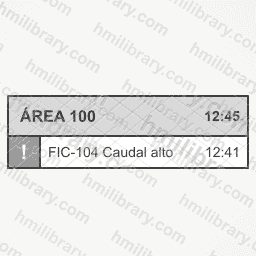
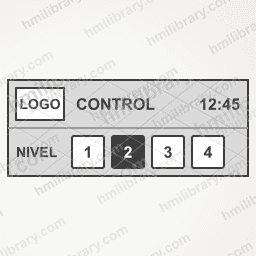
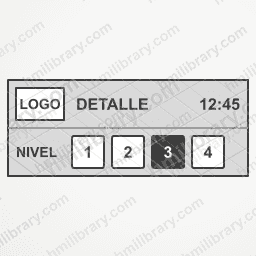
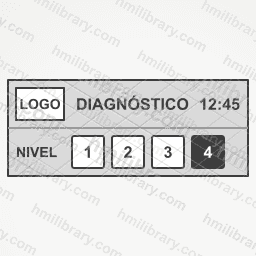
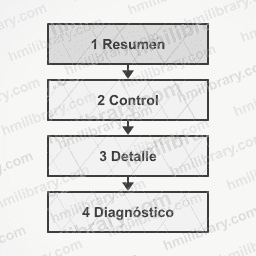
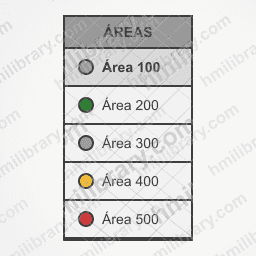
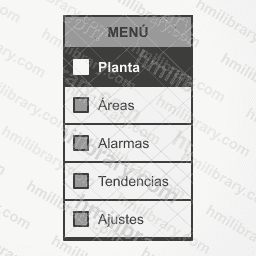
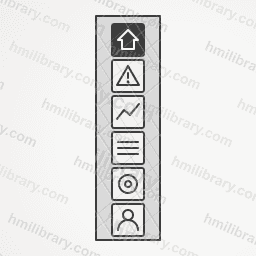
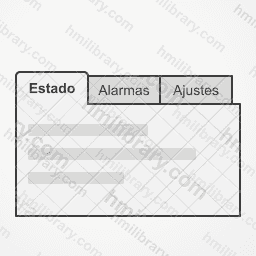
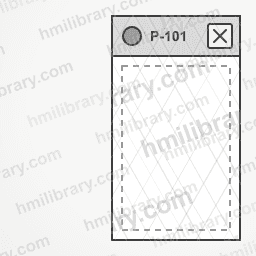
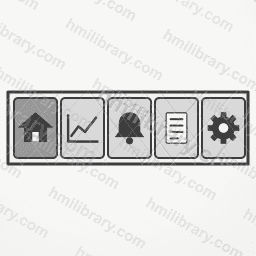
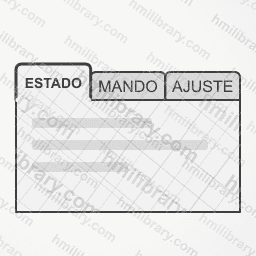
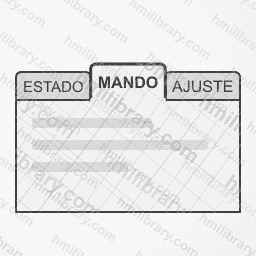
Breadcrumb Plant > Area > Equipment Faceplate with Accept/Cancel footer Faceplate with header and tabs Screen footer with Back, Home and Next Screen footer with level 1-4 tabs Screen footer with user, comms and date Screen header with alarm line Screen header level 1 (overview) Screen header level 2 (control) Screen header level 3 (detail) Screen header level 4 (diagnostics) Simple screen header with title and clock Navigation stack levels 1 to 4 Page counter 1/4 Page selector with arrows 2/4 Page dots indicator 1/4 Page dots indicator 2/4 Page dots indicator 3/4 Page dots indicator 4/4 Vertical scroll bar Side list of areas with state lamps Side navigation bar with 5 items Compact icon side bar Horizontal tabs with content panel

Alarm bars & lists 9ISA-101 9
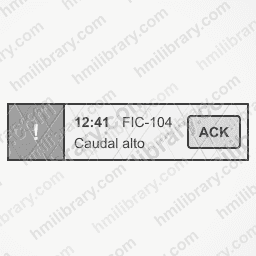
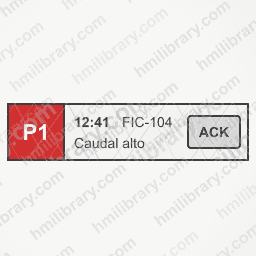
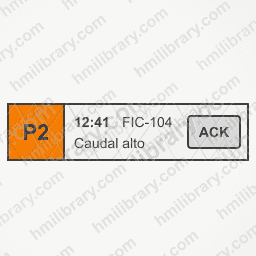
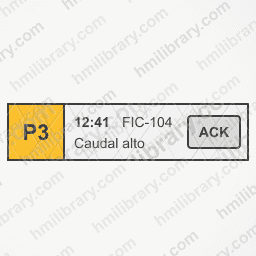
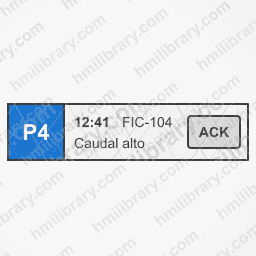
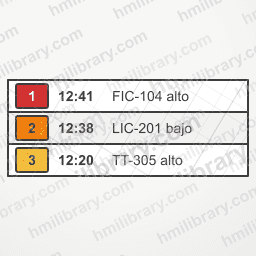
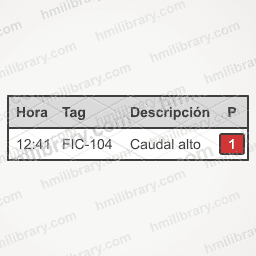
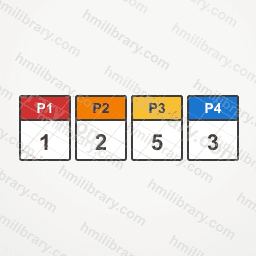
Alarm action bar (ACK, Silence, List) Alarm bar with acknowledge Alarm bar priority P1 (critical) Alarm bar priority P2 (major) Alarm bar priority P3 (minor) Alarm bar priority P4 (advisory) Active alarm list (3 rows) Alarm table header with one row Alarm summary by priority P1-P4

Value tiles & KPI cards 15ISA-101 15
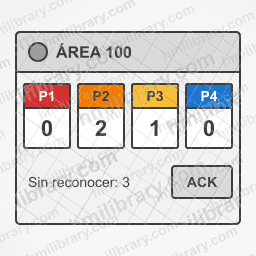
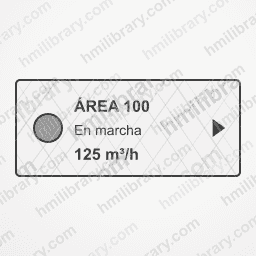
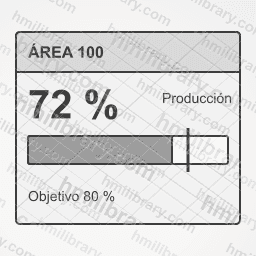
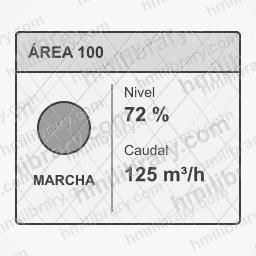
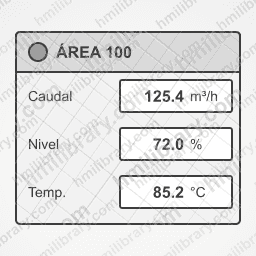
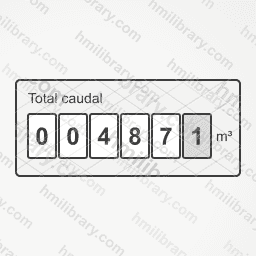
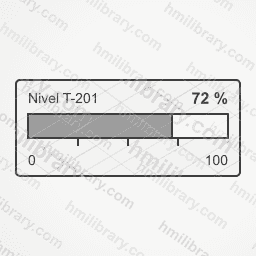
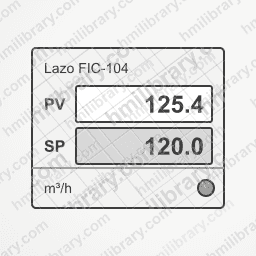
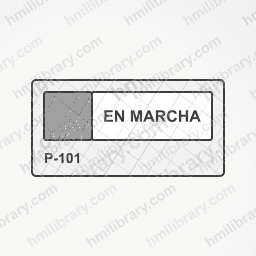
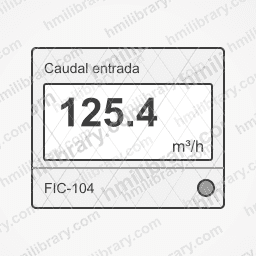
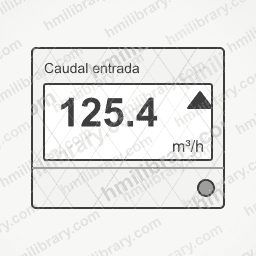
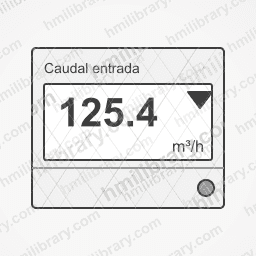
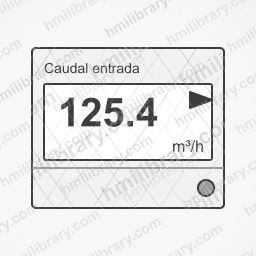
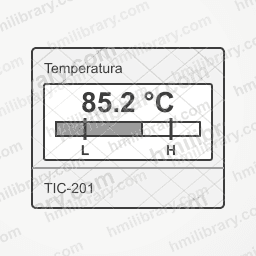
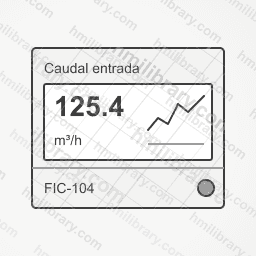
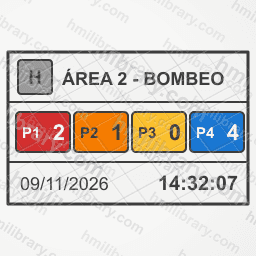
Area card with alarm counters P1-P4 Compact area card with state Area card with KPI and progress bar Area card with state lamp and 2 KPIs Area card with 3 KPIs Totalizer tile with digit boxes Level tile with horizontal bar Setpoint SP and process value PV tile Status tile with large text Metric tile: value and unit Metric tile with trend (rising) Metric tile with trend (falling) Metric tile with trend (steady) Metric tile with bar and L/H limits Metric tile with sparkline

Equipment cards & faceplates 13ISA-101 13
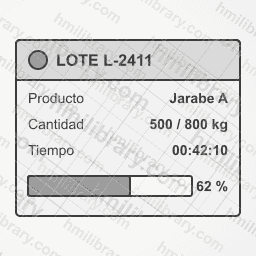
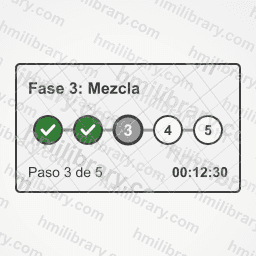
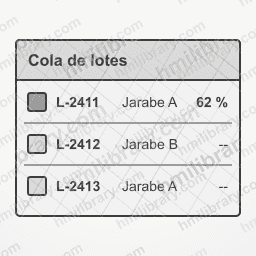
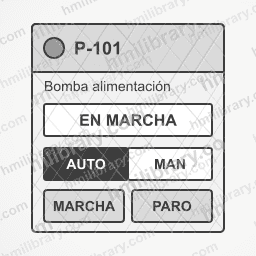
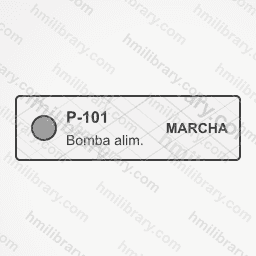
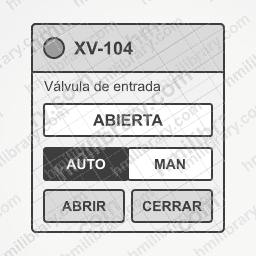
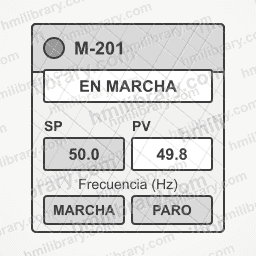
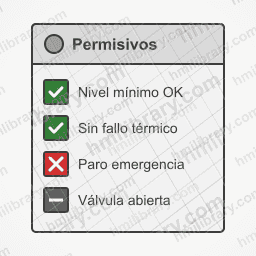
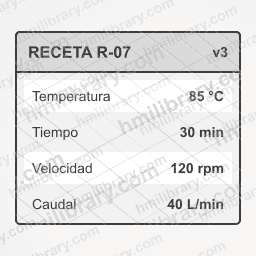
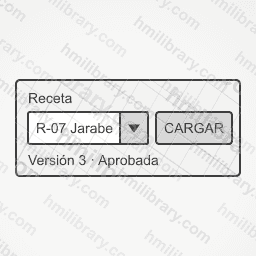
Batch card with product, quantity and progress Batch phase tracker card (step 3 of 5) Batch queue with 3 rows Equipment card with state, mode and start/stop Minimal single-row equipment card Valve card with open/close Motor card with drive (frequency SP/PV) Permissives and interlocks card Recipe card with parameter list Recipe selector with dropdown and Load button Compact faceplate with header Right-docked faceplate panel Empty faceplate panel with header

Pop-ups & access levels 12ISA-101 12
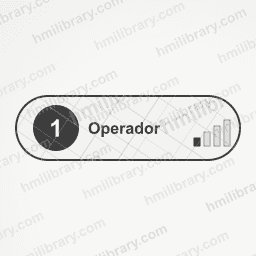
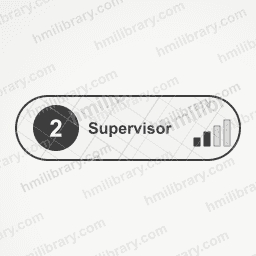
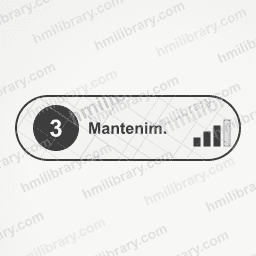
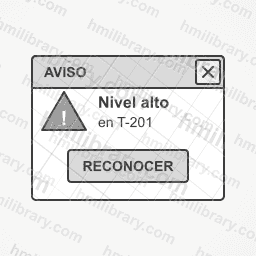
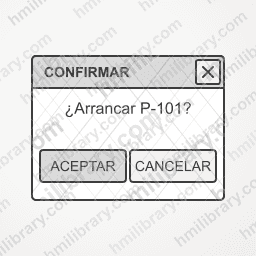
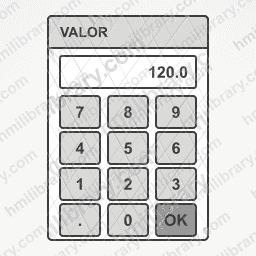
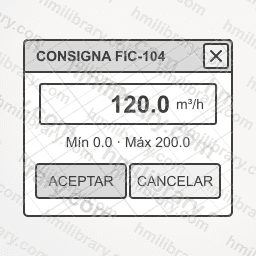
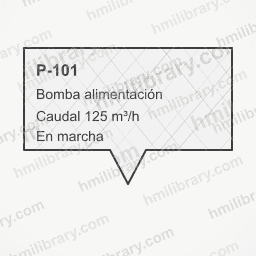
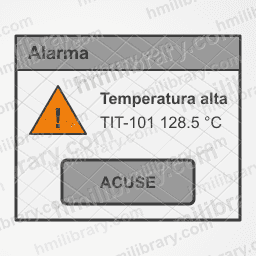
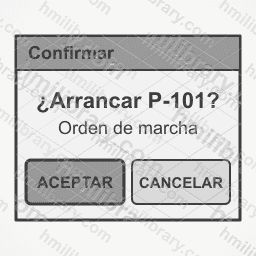
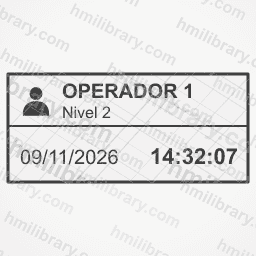
Access level 1 marker (operator) Access level 2 marker (supervisor) Access level 3 marker (maintenance) Access level 4 marker (engineering) Closed padlock (restricted access) Open padlock (access granted) User badge with level Warning popup with state icon Confirmation popup Accept/Cancel Numeric keypad popup Setpoint entry popup Tooltip callout with equipment data

Legends 10ISA-101 10
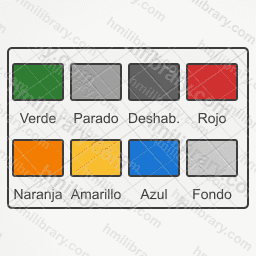
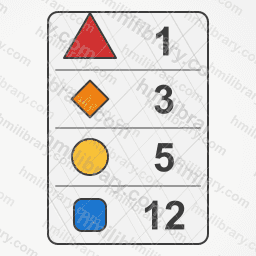
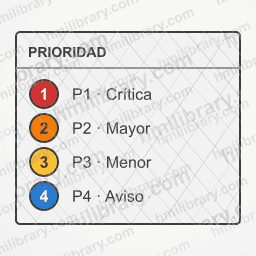
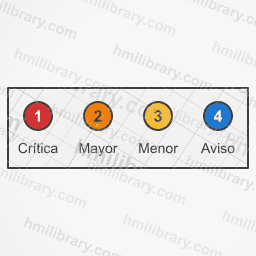
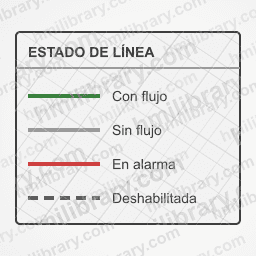
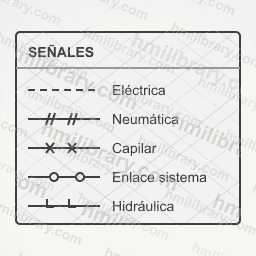
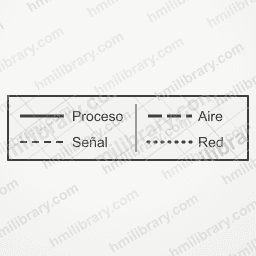
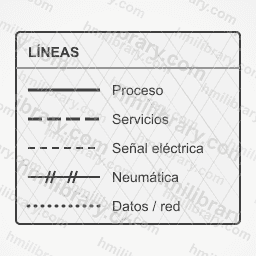
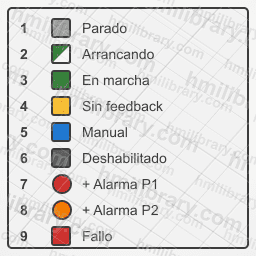
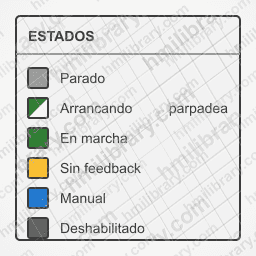
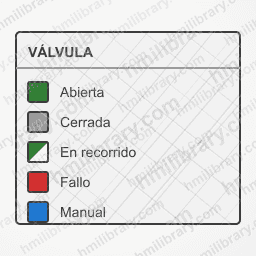
Alarm priority legend P1-P4 Horizontal alarm priority legend P1-P4 Line state legend (flow, no flow, alarm) ISA-5.1 style instrument line legend Mini legend for process and signal lines Process and signal line type legend ISA-101 state colour palette Legend of the 9 standard states Motorised equipment state legend (6) Valve state legend (5)

Flow arrows & connectors 16ISA-101 16
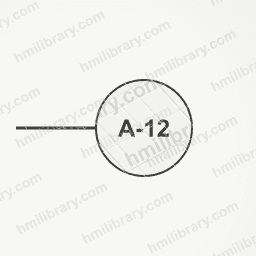
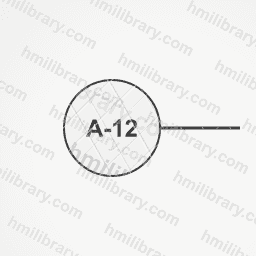
Circular connector with reference Circular incoming connector with stub Circular outgoing connector with stub Off-screen connector "comes from" (in) Screen link button (back) Screen link button (next) P&ID drawing reference Off-screen connector "continues on" (out) Bidirectional flow arrow Three-chevron flow arrow Elbow flow arrow Flow arrow with flow label Large flow arrow right Large flow arrow left Large flow arrow up Large flow arrow down

Procedures & notes 7ISA-101 7
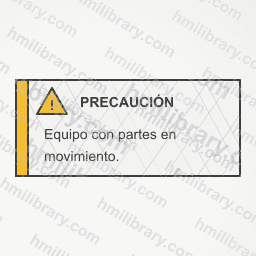
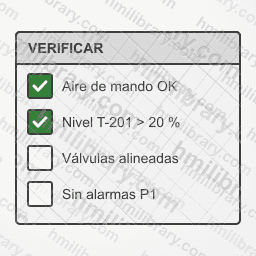
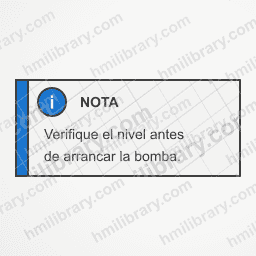
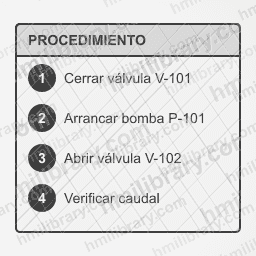
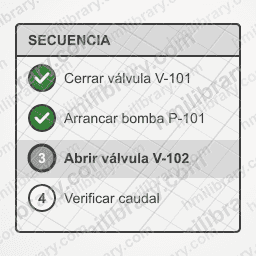
Caution block Checklist with checkboxes Information note block Procedure block with 4 numbered steps Procedure with done, current and pending steps Instruction text block (placeholder lines) Warning block

HMI buttons & controls 63Open the category →

Navigation icons & tabs 46Realistic 22 · ISA-101 24

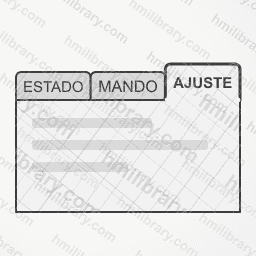
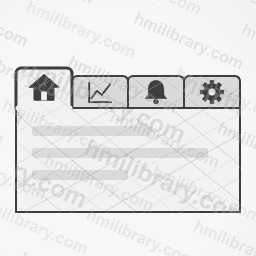
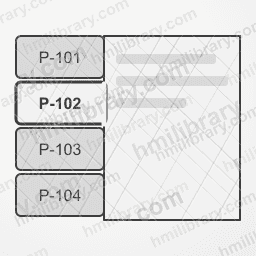
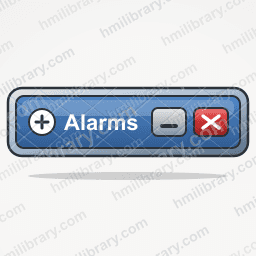
Navigation button Alarms Navigation button Back Navigation button Close Navigation button Down Navigation button Forward Full-screen button Navigation button Help Navigation button Home Navigation button Info Navigation button Log in Navigation button Log out Navigation button Menu Navigation button Print Navigation button Recipe Navigation button Refresh Navigation button Save Navigation button Search Navigation button Settings Navigation button Trends Navigation button Up Navigation button User Tab strip Breadcrumb path Alarms navigation button Alarms button with P1 badge Alarms button with P2 badge Back navigation button Close navigation button Down navigation button Forward navigation button Home navigation button Menu navigation button Recipes navigation button Refresh navigation button Reports navigation button Search navigation button Settings navigation button Trends navigation button Up navigation button User navigation button Bottom navigation bar Tabs (1st active) Tabs (2nd active) Tabs (3rd active) Icon tabs Vertical tabs

Screens, dialogs & headers 17Realistic 2 · ISA-101 15

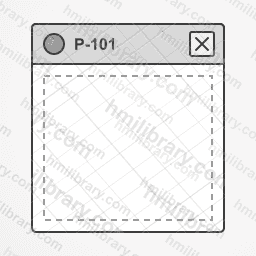
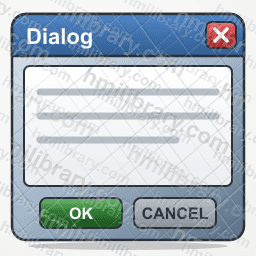
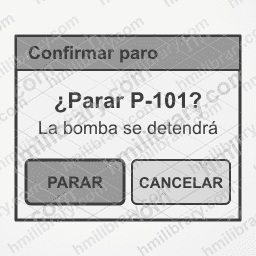
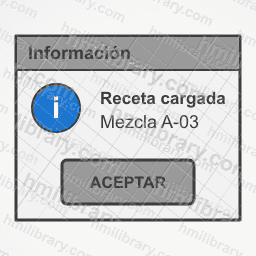
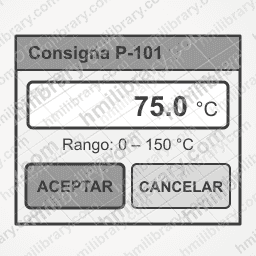
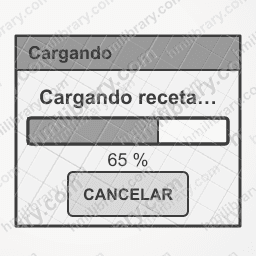
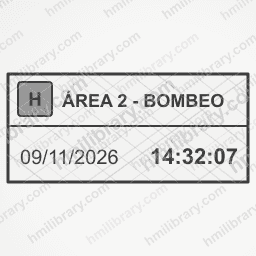
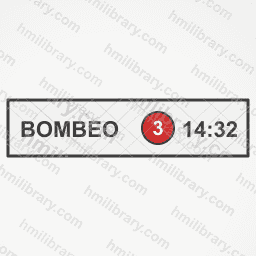
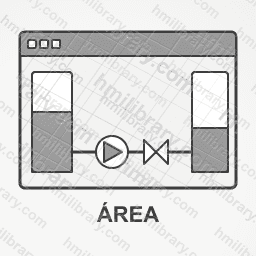
Window title bar HMI window / dialog frame Alert dialog with alarm Confirmation dialog (OK / cancel) Stop confirmation dialog Information dialog Numeric input dialog Progress dialog Header banner with area, date and time Header banner with alarm summary Header banner with user and date Compact header with alarm badge Area screen icon Detail screen icon Equipment screen icon Overview screen icon Screen icon with popup window

More about this pack

What is included
  • Clean, editable SVG. 339 symbols: 24 Realistic, 315 ISA-101 flat.
  • State switching. 43 flat symbols switch state (stopped, running, no feedback, manual and disabled): the ZIP has one file per state, ready for a multi-state object.
  • One ZIP with everything. SVG with fixed colours, 512 px PNG with a transparent background, and a CSV index with the names in English and Spanish, sorted by family.
  • No downloads used, and editable. Pack symbols do not count against monthly downloads, on the free account either, and they open in the Symbol Builder so you can modify them.
Which HMI it works with

They are ordinary SVG and PNG files. They import as images into any HMI or SCADA editor that accepts images; if yours does not take SVG, use the PNG. They do not depend on any vendor or proprietary format.

What happens after you pay
  1. You pay on Stripe. Stripe takes the payment with the account you are signed in with here. You get their receipt by email.
  2. You come back to this page. The pack is linked to your account within seconds. There is nothing to do and no code to enter.
  3. Download and edit. Get everything as a ZIP from this page, or open any pack symbol in the library: download it without using your downloads, or open it in the Symbol Builder.
Pack or plan

For comparison: the Starter plan is 19.99 € a month and includes 50 downloads a month of any symbol in the library. The pack is 339 symbols for one kind of equipment that you pay for once.

Licence

You may use the pack symbols in your own projects and in your clients’ projects, commercial ones included. You may not resell or redistribute the files, on their own or inside another library. Terms of service.

Flat symbols use grey for the equipment and keep colour for state. They are not certified against any standard: check them against your company’s graphics standard.